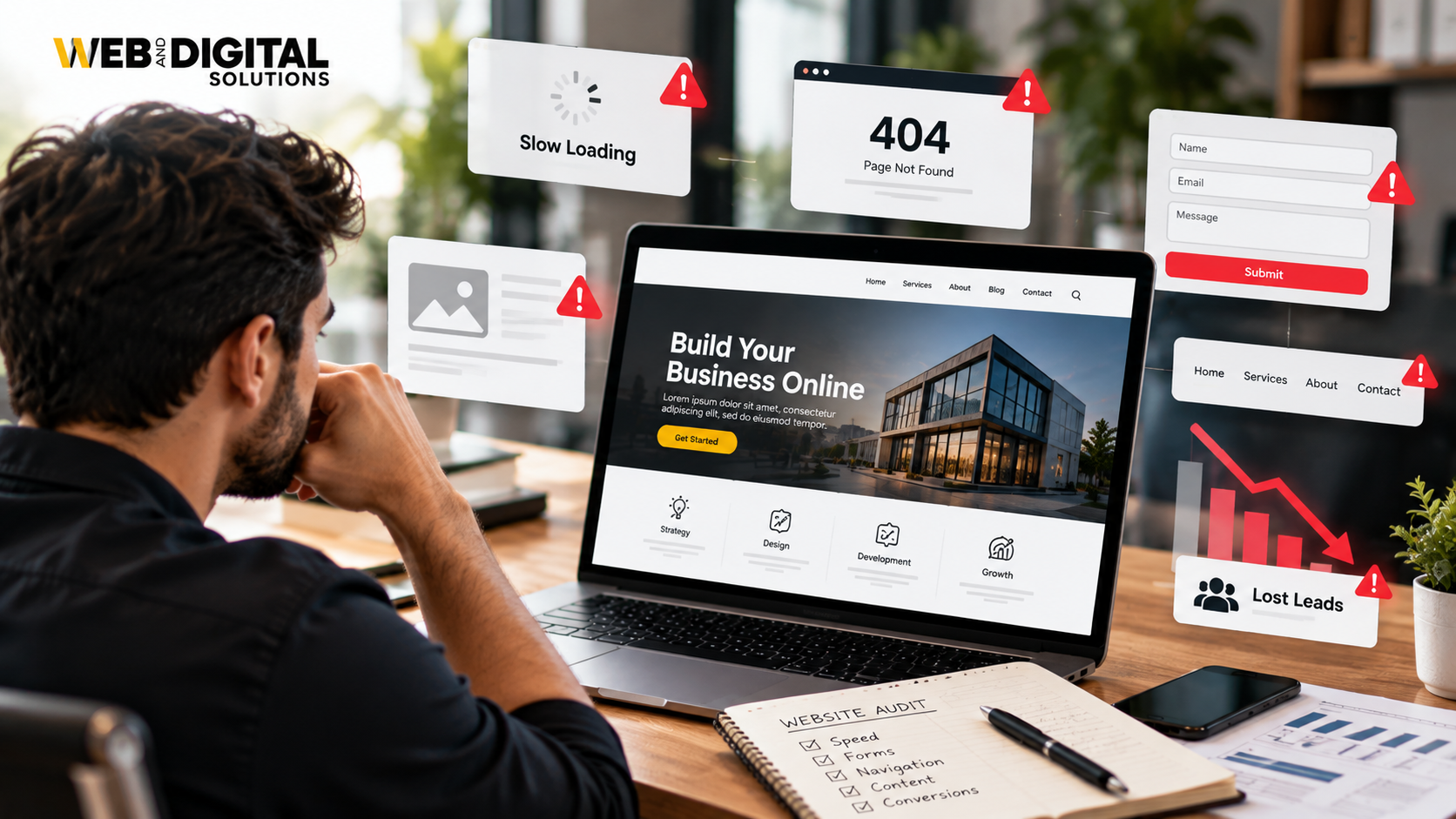
Your Website Should Do More Than Look Good
A business website is often the first place potential customers go to evaluate your company. If it looks professional but fails to explain your services, build trust or guide visitors towards an enquiry, it may be costing you opportunities. Effective business website development connects design, user experience, SEO and conversion strategy to help turn website visitors into customers.
1. Clear Positioning That Explains What You Do
Visitors should understand what your business offers within seconds of landing on your website.
If your homepage uses vague statements such as “We deliver innovative solutions,” customers may still have no idea what you actually do.
A stronger headline explains your offer, audience and value.
For example, a commercial cleaning company could use:
“Commercial Cleaning Services for Offices and Businesses in London, Ontario.”
This tells visitors what the company does and who it serves.
Your homepage should communicate:
- What you offer.
- Who your services are for.
- What problem you solve.
- What visitors should do next.
Clear positioning reduces confusion and helps the right customers recognize that they are in the right place.
2. A Homepage Built Around Customer Intent
Your homepage should not be a collection of promotional statements about your company. It should help visitors find the information they need to make a decision.
A practical homepage structure includes:
- A clear headline and primary call to action.
- A brief explanation of your services.
- Links to important service pages.
- Evidence of experience and credibility.
- Customer testimonials or case studies where available.
- Answers to common questions.
- Clear contact options.
Not every business needs the same layout. The structure should reflect how customers research and choose your particular service.
3. Navigation That Makes Sense
Complicated navigation can make even a well-designed website frustrating to use.
Visitors should not have to guess where to find pricing information, service details or contact options.
Use descriptive menu labels and organize pages logically. For example, a service-based business might have separate sections for Services, About, Projects, Resources and Contact.
For larger websites, organize related services into meaningful groups. This makes the website easier to navigate and helps search engines understand the relationship between pages.
Good website UX begins with making information easy to find.
4. Service Pages That Answer Real Questions
A service page should explain the offering clearly rather than simply repeat marketing claims.
Potential customers often want to know what is included, who the service is suitable for, how the process works and what they should expect.
Each important service page should address:
- The customer’s problem or need.
- The service and its scope.
- The benefits and relevant differentiators.
- The process or next steps.
- Evidence that supports your claims.
- Frequently asked questions.
- A relevant call to action.
Avoid creating multiple pages that target nearly identical keywords while providing substantially the same information. Every page should have a clear purpose.
5. Calls to Action That Guide Visitors
A visitor may be interested in your services but still leave if the next step is unclear.
A call to action should describe what happens when someone clicks it.
Examples include:
- Request a Quote.
- Book a Consultation.
- Schedule a Demo.
- Call Our Team.
- Get Started.
Place calls to action where they make sense within the customer journey. A visitor reading a service page may be ready to request a quote, while someone reading an introductory blog post may prefer to explore a related resource.
Avoid overwhelming every section with multiple competing buttons.
6. Mobile Experience That Works Properly
A website should work as well on a smartphone as it does on a desktop.
Small text, difficult navigation, overlapping elements and forms that are hard to complete can prevent visitors from contacting your business.
Check your website on different screen sizes and pay attention to:
- Readable text and spacing.
- Easy-to-tap buttons.
- Responsive images.
- Mobile navigation.
- Click-to-call phone numbers.
- Short, usable forms.
- Important information that remains accessible.
Mobile usability should be considered during design and development, not treated as a final adjustment before launch.
7. Fast Loading and Reliable Performance
Visitors expect websites to respond quickly. Slow pages can interrupt the customer journey, particularly when people are browsing on mobile devices or less reliable connections.
Website performance can be affected by oversized images, unnecessary scripts, poorly configured caching, excessive plugins and inefficient code.
A practical performance review should include:
- Image compression and appropriate image dimensions.
- Browser and server caching where suitable.
- Reduction of unnecessary JavaScript and CSS.
- Hosting and server-response evaluation.
- Core Web Vitals monitoring.
- Testing on mobile and desktop.
Use Google PageSpeed Insights to identify performance issues. A good score is useful, but the priority should be resolving problems that affect real users.
8. Trust Signals That Reduce Hesitation
Customers need reasons to believe your business can deliver what it promises.
Your website should provide credible evidence rather than relying on claims such as “the best company” or “industry-leading service.”
Useful trust signals include:
- Genuine customer reviews.
- Relevant case studies.
- Real project examples.
- Professional credentials where applicable.
- Clear business contact information.
- Transparent service processes.
- Appropriate guarantees or policies, when genuinely offered.
Make sure testimonials, statistics and project results are accurate and supported by evidence. Trust is strengthened by transparency, not exaggerated claims.
9. A Design That Supports Your Brand
Your website should look consistent with your business identity and appeal to the audience you want to reach.
That does not necessarily mean using complex animations, unusual layouts or expensive visual effects.
A strong design prioritizes readability, consistent typography, appropriate colours, useful imagery and a clear visual hierarchy.
The design should help visitors understand the content and recognize important actions. Decorative elements should not distract from the information people need.
Effective business website design balances appearance with usability.
10. SEO Built Into the Website Structure
Search engine optimization should be considered during website planning and development rather than added as an afterthought.
A technically sound website helps search engines discover, crawl and understand its pages.
Important foundations include:
- Logical URL structures.
- Descriptive title tags and headings.
- Crawlable internal links.
- Appropriate canonical tags.
- XML sitemap configuration.
- Correct indexing directives.
- Descriptive image alt text.
- Mobile-friendly layouts.
- Valid structured data where appropriate.
These elements do not guarantee rankings, but they help establish a stronger technical foundation.
For businesses that need a new website or want to improve an existing one, our web design and development services in London, Ontario combine website structure, usability and SEO considerations.
11. Content That Matches Search Intent
Visitors arrive with different questions and levels of buying intent.
Someone searching for a service may want pricing, while someone reading an educational article may still be researching the problem.
Your website should provide the appropriate information for each stage.
For example:
- Service pages explain what you offer.
- Comparison pages help visitors evaluate alternatives.
- Blog posts answer informational questions.
- Case studies demonstrate how you approach real challenges.
- Contact pages make it easy to take action.
Avoid creating content solely to include more keywords. Useful content should answer the visitor’s question and direct them towards the most relevant next step.
12. Forms That Make Enquiries Easy
Long or confusing forms can discourage potential customers from contacting you.
Ask only for the information you need to respond appropriately. For a simple enquiry, that may mean a name, email address and short message.
For more complex projects, additional questions may help qualify the lead, but they should have a clear purpose.
Review your forms for:
- Clear field labels.
- Mobile usability.
- Helpful validation messages.
- A visible submission button.
- Privacy information where appropriate.
- A clear confirmation after submission.
Test the entire process, including whether submissions reach the correct inbox or CRM.
13. Analytics That Show What Is Working
A website should provide more than a visual impression of success. You need to understand how visitors interact with it and whether those interactions produce business outcomes.
Depending on your goals, tracking may include:
- Contact form submissions.
- Phone calls where measurable.
- Appointment bookings.
- Purchases and revenue.
- Important button clicks.
- Landing-page performance.
- Traffic sources.
Google Analytics 4 can help measure website interactions when tracking is configured correctly. Google Search Console provides data about organic search visibility, clicks and indexing.
Do not assume that every click represents a lead. Track completed actions and, where possible, connect them to qualified enquiries and actual business results.
14. Security, Maintenance and Scalability
A website needs ongoing care after launch.
Outdated software, vulnerable plugins, broken integrations and untested updates can affect security and reliability.
A sensible maintenance plan may include:
- Regular software and plugin updates.
- Tested backups.
- Security monitoring.
- Broken-link checks.
- Form and integration testing.
- Performance reviews.
- Content and business-information updates.
Plan for future requirements as well. Your website may eventually need additional service pages, ecommerce functionality, booking tools or CRM integrations.
A scalable structure reduces the need for disruptive changes as the business grows.
15. A Clear Path from First Visit to Enquiry
The strongest websites connect all these elements into one coherent customer journey.
Consider a visitor who finds your website through Google. They land on a relevant service page, understand the offer, review a case study, find answers to their concerns and submit an enquiry.
Each step supports the next.
Now imagine the same visitor landing on a slow page with vague messaging, no proof of experience and no obvious contact option. Even if the website receives traffic, it may struggle to generate leads.
This is why website strategy should consider the entire journey, from discovery to conversion.
Review your important landing pages and ask:
- Does the page match what the visitor expected?
- Is the offer easy to understand?
- Are the claims supported by credible information?
- Can visitors find answers without unnecessary effort?
- Is the next step obvious?
- Can the resulting enquiry be tracked?
These questions help identify practical improvements instead of redesigning a website simply because it looks dated.
How Web & Digital Solutions Approaches Business Website Development

At Web & Digital Solutions, website planning should begin with the business objective, target audience and customer journey.
A website intended to generate service enquiries needs a different structure from an ecommerce store or a portfolio website. The design, content, technical setup and conversion paths should reflect those differences.
Our web design and development services focus on building websites with clear structure, responsive layouts, SEO-friendly foundations and useful conversion paths.
The objective is to create a website that supports the way your business attracts, informs and converts potential customers.
Turn Your Website Into a More Effective Business Asset
A website is not simply an online brochure. It is a place where customers evaluate your offer, compare options and decide whether to contact you.
Strong business website development brings together positioning, navigation, content, speed, mobile usability, trust and conversion tracking. When these elements work together, visitors have a clearer path towards becoming customers.
Start by reviewing the pages that matter most to your business. Fix the biggest barriers first, measure the effect and use the findings to guide future improvements.
A website does not need to be complicated to perform well. It needs to make the right information easy to find and the next step easy to take.
Frequently Asked Questions
What is business website development?
Business website development involves planning, designing, building and maintaining a website that supports a company’s goals. This can include information architecture, responsive design, content management, technical SEO, integrations, security and conversion-focused functionality.
What makes a business website high-converting?
A high-converting website communicates its offer clearly, matches visitor intent, loads reliably, builds trust and makes the next action easy. Results also depend on traffic quality, the offer itself, audience needs and the effectiveness of the conversion process.
How much does business website development cost?
Costs vary according to the number of pages, design requirements, functionality, integrations, content needs and ongoing maintenance. A straightforward informational website generally requires a different budget from a custom platform or ecommerce store. Request a quote based on your specific requirements.
Does website design affect SEO?
Yes. Design decisions can influence mobile usability, content accessibility, internal navigation and page performance. SEO also depends on factors beyond design, including content relevance, technical accessibility and competition.
How important is mobile-friendly website design?
Mobile-friendly design helps visitors navigate, read content and complete actions across different screen sizes. It is particularly important for users who discover businesses through mobile search and supports Google’s mobile-first indexing approach.
Should I redesign my website to generate more leads?
Not always. Before redesigning, investigate the actual problems. Improving messaging, calls to action, forms, page speed or service-page content may address conversion barriers without requiring a complete rebuild. A redesign makes sense when the existing structure or technology cannot adequately support your goals.
How can I measure whether my website is generating business?
Track completed enquiries, calls where measurable, bookings, purchases and other relevant conversions. Use analytics to understand visitor behaviour, then assess lead quality and business outcomes rather than relying solely on traffic or page views.