Your website may have excellent content, useful service pages, and well-researched blog posts, but are these pages properly connected?
If visitors and search engines struggle to navigate your website, some of your most valuable pages may receive less attention than they deserve.
This is where internal linking becomes important.
Internal linking is the process of connecting one page of your website to another page on the same domain. These links help visitors discover related information and help search engines understand how your website is organised.
A well-planned internal linking strategy can support website crawling, improve content discovery, establish relationships between related pages, and help communicate which pages are important.
However, adding links randomly throughout your website is not an effective strategy. You need a clear structure that connects your homepage, service pages, category pages, and supporting blog content.
In this guide, we will explain how internal linking helps SEO and share 10 practical ways to build a stronger website structure.
What Is Internal Linking in SEO?
Internal linking refers to hyperlinks that connect different pages within the same website.
For example, if a blog post about keyword research links to your SEO services page, that is an internal link.
Similarly, when your homepage links to your main service pages, or a service page links to a relevant supporting article, you are creating internal connections between your website’s content.
Internal links generally serve three important purposes:
- Navigation: They help visitors move between relevant pages.
- Discovery and crawling: They provide search engines with paths to discover other pages on your website.
- Context and relationships: They help communicate how different pages relate to one another.
Internal Links vs External Links
Although both are important for SEO, internal and external links serve different purposes.
| Feature | Internal Links | External Links |
|---|---|---|
| Destination | Another page on the same website | A page on a different website |
| Main Purpose | Connect website content | Reference or connect to external resources |
| Navigation | Helps visitors explore your website | Takes visitors to another website |
| SEO Value | Supports discovery, structure, and context | Can provide useful references and connections |
| Example | Blog post linking to a service page | Blog post linking to an industry study |
A strong SEO strategy should use both where they provide genuine value to visitors.
How Does Internal Linking Help SEO?
Internal linking helps search engines discover pages and understand how content is connected.
When one page links to another, it creates a crawlable path between those pages. Search engines can follow these links to discover additional content and understand the relationship between different sections of your website.
Internal links can also help communicate page importance.
For example, if your homepage links to your main service pages and several relevant blog posts also reference one of those services, that page becomes more integrated into your website structure.
This does not guarantee higher rankings, but it creates a clearer and more accessible website.
Here are some of the main SEO benefits.
1. Helps Search Engines Discover Important Pages
Search engines use links to discover URLs and navigate websites.
If an important service page is not linked from anywhere on your website, search engines may have fewer opportunities to discover it through internal navigation.
This is particularly important for websites with:
- Large numbers of blog posts.
- Multiple service pages.
- Ecommerce product categories.
- Location-specific pages.
- Deep website structures.
Example:
Imagine your website has 40 blog posts and 8 service pages.
If all your blog posts are isolated and do not link to relevant services, your website may have a weak connection between educational content and commercial pages.
You can improve this by linking relevant blog posts to their corresponding service pages.
This creates additional discovery paths and makes your website easier to navigate.
2. Helps Search Engines Understand Your Website Structure
Your website structure communicates how information is organised.
A website with clearly connected pages makes it easier for visitors and search engines to understand the relationship between its different sections.
For example:
- Homepage
- SEO Services
- Technical SEO
- Local SEO
- On-Page SEO
- Web Design
- Digital Marketing Blog
- Keyword Research
- Internal Linking
- Website Optimisation
- SEO Services
This structure establishes relationships between broad topics and more specific pages.
Internal links reinforce those relationships by connecting relevant pages rather than leaving them isolated.
3. Helps Distribute Link Equity Across Your Website
Internal links can help distribute link equity, sometimes referred to as link authority, across your website.
When an important page receives external backlinks, some of the value associated with those links may be passed through its internal links to other pages.
For example, suppose your homepage earns relevant backlinks from other websites.
If the homepage links to your main SEO services page, it creates a pathway through which link equity may flow.
However, link equity is not distributed equally or through a simple fixed formula. Google uses multiple systems to evaluate links and pages.
Practical recommendation: Identify your important pages and make sure they are connected through relevant, crawlable internal links.
Do not add unnecessary links simply to pass link equity.
4. Improves User Navigation and Website Experience
Internal linking is not only about search engines. It also helps visitors find information without repeatedly returning to the homepage or using the navigation menu.
For example, someone reading an article about technical SEO may also want to understand website indexing, page speed, or website structure.
Relevant internal links help them explore those topics naturally.
A good internal linking strategy can:
- Make related information easier to find.
- Reduce navigation friction.
- Help visitors discover your services.
- Encourage visitors to explore additional content.
- Connect informational searches with relevant commercial pages.
The goal is to make the next useful step obvious to the visitor.
5. Strengthens Relationships Between Related Topics
Search engines need to understand what your website covers and how its pages relate to one another.
Internal links can help establish these relationships.
For example, a website offering SEO services may publish content about:
- Keyword research.
- On-page SEO.
- Technical SEO.
- Internal linking.
- Website architecture.
- Local SEO.
When these articles link to one another where relevant, they form a connected group of content around SEO.
This helps create a more organised topical structure.
Internal links alone do not establish topical authority, but they can support a broader content strategy by connecting related information.
6. Helps Important Pages Receive More Internal Links
Not every page on your website has equal business importance.
Your homepage, main service pages, product pages, and important landing pages may deserve more prominent internal linking than minor informational pages.
For example, if your main objective is generating SEO enquiries, your SEO services page should be accessible through your navigation, relevant homepage sections, and supporting articles.
A page that receives no meaningful internal links may become difficult for visitors to discover.
Internal linking helps ensure that important pages are not overlooked.
7. Helps Visitors Discover Related Content
A visitor who lands on one blog post may be interested in other related resources.
You can use internal links to guide readers towards useful next steps.
For example:
- A keyword research article can link to an on-page SEO guide.
- An internal linking article can link to a website architecture guide.
- A website redesign checklist can link to technical SEO services.
- A local SEO article can link to Google Business Profile optimisation content.
These connections make your website more useful and encourage deeper exploration.
8. Helps Identify and Reduce Orphan Pages
An orphan page is a page that has no internal links pointing to it from other pages on your website.
Even if an orphan page appears in your XML sitemap or receives external links, it may still be poorly integrated into your website structure.
This creates two potential problems:
- Visitors may struggle to discover the page through normal navigation.
- Search engines may have fewer internal pathways to reach it.
How to fix orphan pages:
- Crawl your website using an SEO crawler.
- Identify URLs with zero internal inlinks.
- Review whether each page is valuable and should remain accessible.
- Add relevant links from suitable pages.
- Redirect or remove pages that no longer serve a purpose, where appropriate.
Not every orphan page is automatically a problem. Some pages may be intentionally excluded from navigation. Review each URL before making changes.
9. Helps Create a Better Website Hierarchy
A logical website hierarchy makes it easier to understand the relationship between broad topics, categories, and individual pages.
For example, a digital marketing agency could organise its website like this:
- Homepage
- SEO Services
- Local SEO
- Technical SEO
- On-Page SEO
- Website Design
- Website Redesign
- Website Development
- Resources
- SEO Guides
- Website Optimisation
- Digital Marketing Tips
- SEO Services
This hierarchy gives visitors a clear route to important information.
It also helps search engines understand how the website’s sections are organised.
The key is to avoid creating unnecessary levels or making important content difficult to reach.
10. Supports Better Conversion Paths
Internal linking can help connect informational content with pages that encourage customers to take action.
Consider someone searching for information about website performance.
They read your article about website optimisation and discover a relevant web design service through an internal link.
That link gives them a natural next step if they need professional assistance.
For business websites, this is particularly useful because not every visitor arrives with an immediate intention to purchase.
Some visitors are researching a problem, comparing solutions, or learning about available services.
Internal links can connect these different stages of the customer journey.
The objective is not to force every reader towards a sales page. It is to provide a relevant next step when one genuinely helps.
How to Build an Effective Internal Linking Strategy
Understanding the benefits of internal linking is only the first step. You also need a practical strategy for implementing it across your website.
The following approach can help you organise your content and connect important pages.
1. Identify Your Most Important Website Pages
Start by identifying the pages that matter most to your business and SEO objectives.
These may include:
- Homepage.
- Main service pages.
- Important product or category pages.
- Location pages.
- High-performing blog posts.
- Important conversion landing pages.
These pages should be easy to discover through your website’s navigation and relevant internal links.
Create a simple spreadsheet containing:
| Page Type | Example | Linking Priority |
|---|---|---|
| Homepage | Main website page | High |
| Main Service Page | SEO Services | High |
| Supporting Service Page | Local SEO | High |
| Educational Blog | Keyword Research Guide | Medium |
| Supporting Blog | SEO Tips and Tutorials | Medium |
| Outdated Content | Old or irrelevant article | Review |
The exact priority depends on the business goals and the role of each page.
2. Create Topic Clusters Around Your Main Services
One of the most effective ways to organise internal links is through topic clusters.
A topic cluster consists of:
- A central pillar page covering a broad subject.
- Supporting articles exploring related subtopics.
- Relevant internal links connecting the supporting content to the central page and other useful resources.
For example, an SEO services website could create the following topic cluster:
Pillar Page: SEO Services
Supporting articles:
- How to Choose the Right SEO Keywords.
- How Does Internal Linking Help SEO?
- How to Improve Google Search Rankings.
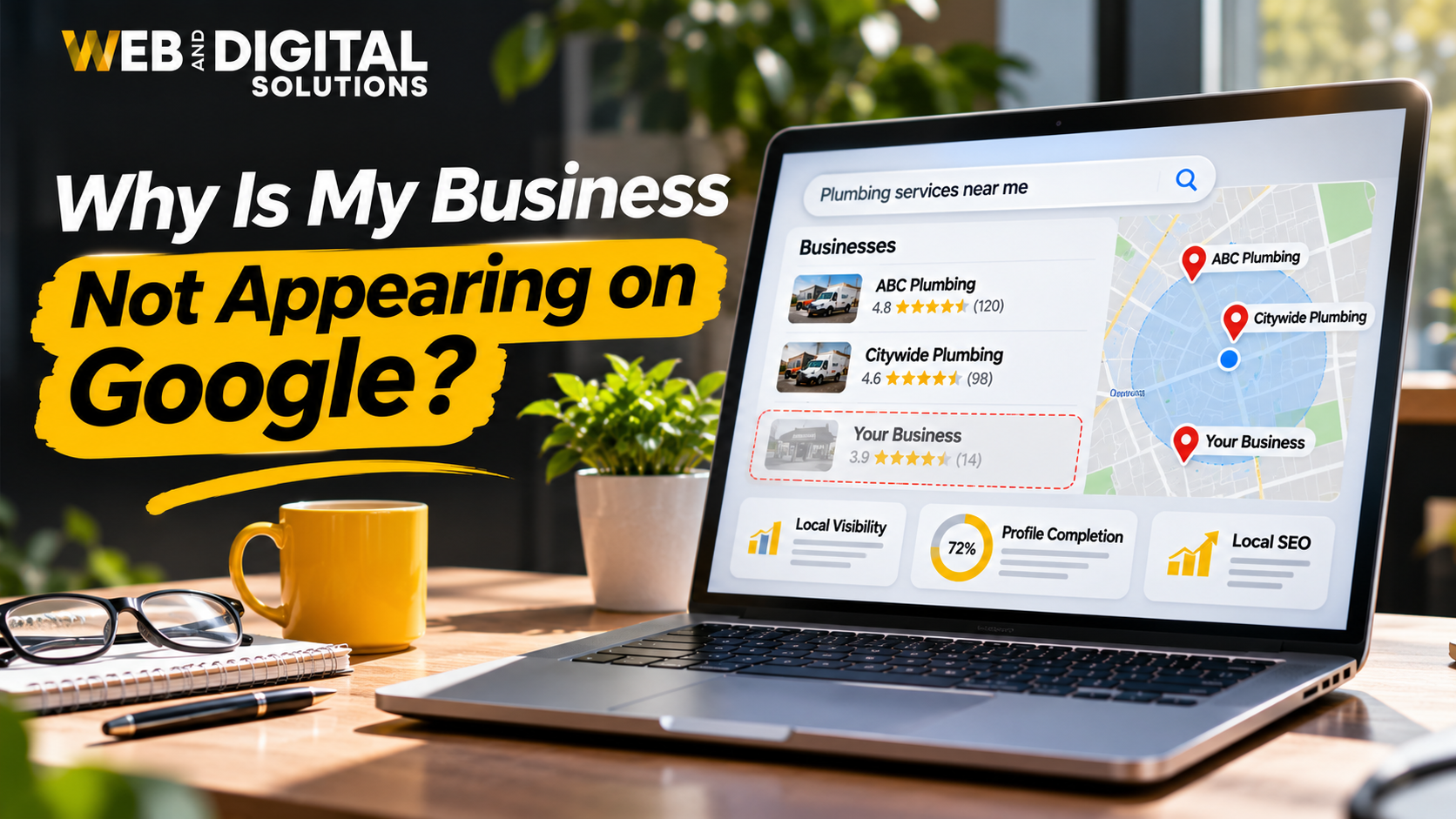
- Why Is My Website Not Showing Up on Google?
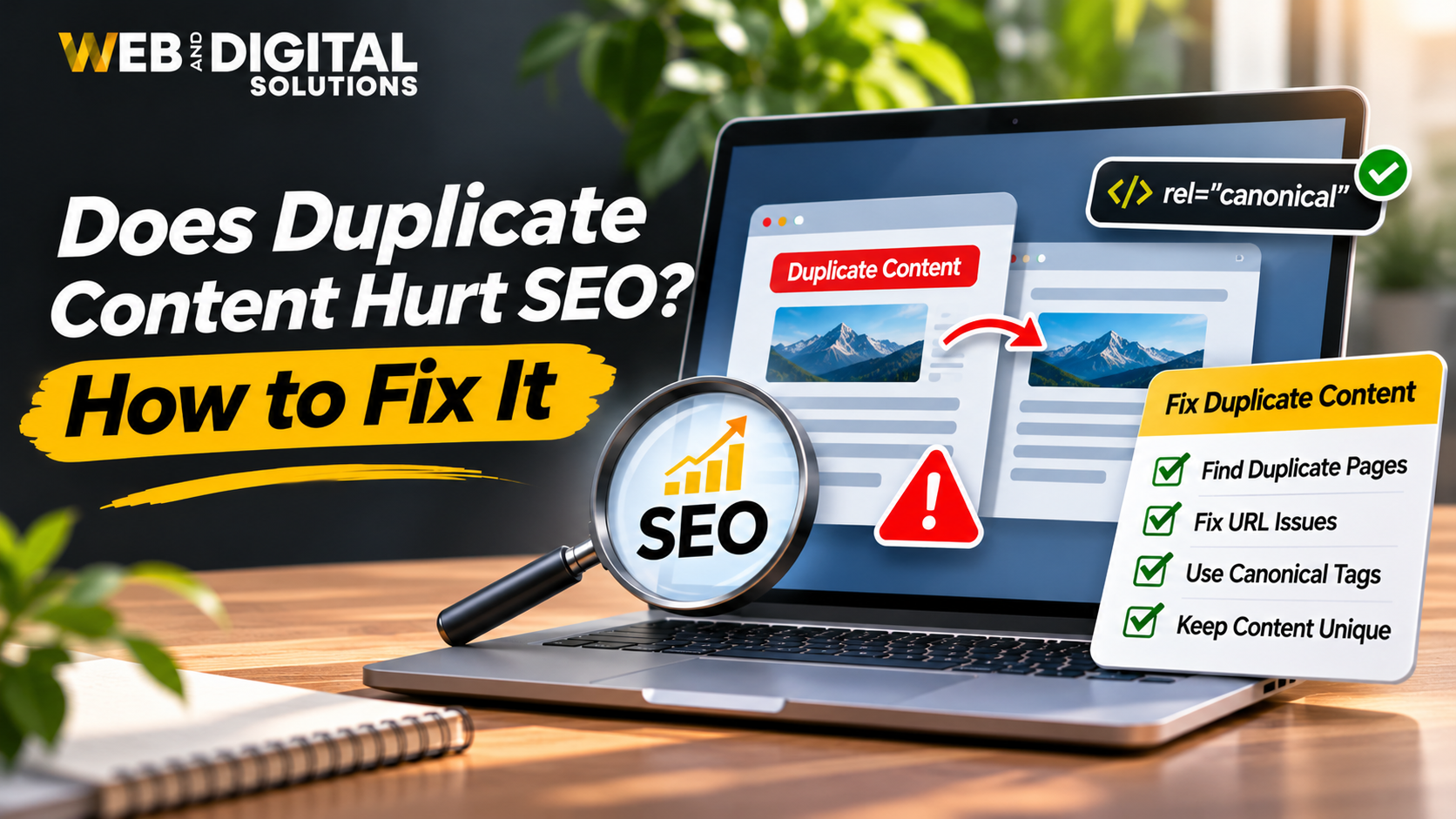
- Does Duplicate Content Hurt SEO?
- How Long Does It Take to Rank on Google?
How should these pages link to one another?
- Each supporting article should link to the SEO services page when the service is contextually relevant.
- Related articles should link to one another where they provide additional value.
- The pillar page should link to useful supporting resources.
- Avoid forcing links between articles that have little topical connection.
This creates a connected content structure rather than a collection of unrelated blog posts.
3. Use Descriptive and Relevant Anchor Text
Anchor text is the clickable text used in a hyperlink.
It helps visitors understand what they can expect after clicking a link.
For example:
Weak anchor text:
“Click here to learn more.”
Better anchor text:
“Learn how to improve your website’s internal linking strategy.”
The second example gives visitors a clearer idea of the destination.
Internal linking anchor text best practices
- Keep anchor text relevant to the destination page.
- Use natural language.
- Make the purpose of the link clear.
- Vary anchor text where appropriate.
- Avoid excessive exact-match keyword repetition.
- Do not use misleading anchor text.
For example, when linking to an SEO services page, possible anchor variations include:
- SEO services.
- Professional SEO solutions.
- Search engine optimisation services.
- Our SEO strategy.
Use the phrase that fits naturally within the surrounding paragraph.
4. Link Supporting Blog Posts to Relevant Service Pages
Many websites publish educational articles but fail to connect them with their main services.
This creates a missed opportunity.
Your blog content can help visitors understand a problem, while your service pages explain how your business can help solve it.
For example:
| Blog Topic | Relevant Service Page |
|---|---|
| How to Improve Google Search Rankings | SEO Services |
| How Does Internal Linking Help SEO? | SEO Services |
| How to Improve Google Business Profile Ranking | Local SEO Services |
| Website Redesign Checklist | Web Design and Development |
| How to Get Your Website to Show Up in ChatGPT | AI Search Optimisation |
Add links naturally when the service page provides a useful next step.
Avoid turning every paragraph into a sales pitch.
5. Add Contextual Links Within Your Content
Contextual links are internal links placed naturally within the main body of a page.
They are often more useful than adding a large number of unrelated links in a sidebar or footer.
For example:
“Before creating your internal linking structure, make sure you understand how to choose the right SEO keywords for each page.”
The phrase “how to choose the right SEO keywords” can link to your relevant keyword research article.
Contextual links help readers discover additional information at the point where it is relevant.
6. Identify and Fix Orphan Pages
Use an SEO crawler such as Screaming Frog to identify pages that have no internal links pointing towards them.
Review each URL and decide whether it should:
- Receive relevant internal links.
- Be consolidated with another page.
- Be redirected.
- Be removed if it has no continuing value.
For valuable pages, add links from relevant existing content and appropriate navigation sections.
Also check whether important pages are several clicks away from the homepage.
Reducing unnecessary navigation depth can make important content easier to discover.
7. Review Your Website’s Navigation and Breadcrumbs
Navigation menus and breadcrumbs contribute to your website’s overall internal linking structure.
Your main navigation should make important sections easy to access.
For larger websites, breadcrumbs can help visitors understand where they are within the website hierarchy.
Example:
Home → SEO Services → Technical SEO
Breadcrumbs provide another way for users to navigate between related sections.
Where appropriate, implement breadcrumb structured data that accurately reflects the visible page hierarchy.
8. Audit Internal Links Regularly
Internal linking should be reviewed as your website grows.
New blog posts, updated service pages, deleted URLs, and website redesigns can all affect your existing link structure.
During an audit, check for:
- Broken internal links.
- Redirect chains.
- Orphan pages.
- Unnecessary links to outdated content.
- Important pages with very few internal links.
- Over-optimised anchor text.
- Pages with excessive or irrelevant links.
Fix problems based on their importance and their impact on visitors and website accessibility.
Internal Linking Examples for a Business Website
Here is a simplified example of how a website can connect its homepage, service pages, and supporting blog content.
| Source Page | Destination Page | Suggested Anchor Text |
|---|---|---|
| Homepage | SEO Services | SEO services |
| SEO Services | Local SEO | local SEO solutions |
| SEO Services | Technical SEO Guide | technical SEO best practices |
| Keyword Research Blog | SEO Services | professional SEO services |
| Internal Linking Blog | Keyword Research Blog | choose the right SEO keywords |
| Website Redesign Blog | Web Design Services | web design and development services |
| Local SEO Blog | Google Business Profile Blog | improve Google Business Profile rankings |
The important point is that each link connects pages with a logical relationship.
A useful internal linking structure should support both website navigation and your overall SEO strategy.
Best Internal Linking Practices to Follow
Use this checklist when creating or reviewing internal links.
| Best Practice | Why It Matters |
|---|---|
| Link relevant pages | Helps visitors discover related information |
| Use descriptive anchor text | Communicates the destination’s topic |
| Prioritise important pages | Keeps valuable pages accessible |
| Create topic clusters | Connects related content |
| Fix orphan pages | Improves internal discoverability |
| Check broken links | Prevents navigation problems |
| Use crawlable links | Helps search engines follow links |
| Maintain logical hierarchy | Makes website structure easier to understand |
| Add contextual links | Provides useful information at the right time |
| Audit links regularly | Keeps the structure organised as the site grows |
Common Internal Linking Mistakes That Can Hurt Your SEO Strategy
Even when a website contains many internal links, poor implementation can create navigation and usability problems.
Avoid these common mistakes.
1. Adding Links Without Context
A link should help the reader discover something relevant.
Adding links to unrelated pages simply to increase the number of internal links creates a poor experience.
2. Using the Same Exact-Match Anchor Text Everywhere
Repeatedly using the same keyword-rich anchor text can make your content look unnatural.
Use descriptive variations that accurately explain the destination.
3. Ignoring Important Service Pages
Some businesses publish many blog posts but rarely link to their commercial pages.
Make sure relevant informational content connects with important services where appropriate.
4. Leaving Valuable Pages Orphaned
Important pages should not remain disconnected from the rest of the website.
Review your internal links and create appropriate connections.
5. Linking to Broken or Redirected URLs
Broken links and unnecessary redirect chains create avoidable navigation issues.
Update links to point directly to the correct destination whenever possible.
6. Adding Too Many Links
There is no universal ideal number of internal links per page.
The appropriate number depends on the page’s length, purpose, and content.
Add links where they provide value rather than trying to reach a fixed number.
7. Forgetting to Update Links After a Website Redesign
When URLs change during a redesign, old internal links may continue pointing to redirected or unavailable pages.
Review your internal links after significant website changes.
How to Measure the Effectiveness of Your Internal Linking Strategy
Internal linking improvements should be evaluated through website structure, crawling, search performance, and user behaviour.
You can use several SEO tools to monitor these areas.
Google Search Console
Use Google Search Console to review:
- Indexed pages.
- Organic clicks and impressions.
- Search queries.
- Page performance.
- Changes in search visibility over time.
The Links report can also provide an overview of internal links that Google has identified for your website.
Screaming Frog SEO Spider
Screaming Frog can help identify:
- Internal links and inlinks.
- Orphan pages when combined with suitable crawl and sitemap data.
- Broken internal URLs.
- Redirecting links.
- Crawl depth.
- Pages with limited internal linking.
Google Analytics 4
Use Google Analytics 4 to understand how visitors interact with your website.
Review relevant engagement metrics, landing pages, navigation paths, and conversions where your tracking setup supports them.
What should you monitor?
| Metric | What to Review |
|---|---|
| Internal Inlinks | Whether important pages receive relevant internal links |
| Crawl Depth | How easily important pages can be reached |
| Orphan Pages | Whether valuable pages are disconnected |
| Broken Links | Whether internal navigation works correctly |
| Organic Clicks | Changes in search traffic to important pages |
| Organic Impressions | Changes in search visibility |
| Conversions | Whether visitors complete meaningful actions |
Remember that internal linking is only one part of SEO. Changes in rankings or traffic cannot automatically be attributed to internal links alone.
Final Thoughts
Internal linking is an important part of building a well-organised and search-friendly website.
It helps search engines discover pages, understand relationships between content, and navigate your website. It also helps visitors find useful information and move naturally between educational content and your services.
The most effective strategy is not to add as many links as possible. It is to create meaningful connections between your most important pages.
Start by identifying your key service pages, organising related blog posts into topic clusters, using descriptive anchor text, and fixing orphan pages.
As your website grows, review your internal linking structure regularly to keep it useful and accessible.
If your website has valuable content but lacks a clear structure, improving its internal linking strategy can be a practical step towards strengthening its overall SEO foundation.
Web & Digital Solutions helps businesses improve website structure, technical SEO, content organisation, and organic search visibility.
Explore our SEO services or contact our team to discuss your website’s SEO requirements.
Frequently Asked Questions
1. How does internal linking help SEO?
Internal linking helps search engines discover pages, understand relationships between website content, and navigate a site’s structure. It also helps distribute link equity between relevant pages and improves navigation for visitors.
2. How many internal links should a page have?
There is no fixed number of internal links that every page should contain. Add links whenever they provide useful context or help visitors discover related information. Prioritise relevance and usability over link quantity.
3. What is the difference between internal and external links?
Internal links connect pages within the same website, while external links point to pages on other websites. Internal links help organise website content, while external links connect readers with useful information and resources outside your domain.
4. What is an orphan page in SEO?
An orphan page is a webpage that has no internal links pointing to it from other pages on the same website. Orphan pages can be harder for visitors and search engines to discover through normal website navigation.
5. Does internal linking improve Google rankings?
Internal linking can support SEO by helping search engines discover pages, understand website structure, and identify relationships between content. However, adding internal links does not guarantee ranking improvements. Results depend on the overall quality and relevance of your website.
6. What is the best anchor text for internal links?
The best anchor text is descriptive, relevant, and natural. It should help visitors understand what the destination page covers. Avoid vague phrases, misleading descriptions, and excessive repetition of exact-match keywords.
7. What is a topic cluster in SEO?
A topic cluster is a group of related website pages organised around a central pillar page. The supporting articles cover specific subtopics and link to the pillar page and other relevant resources, creating a connected content structure.